
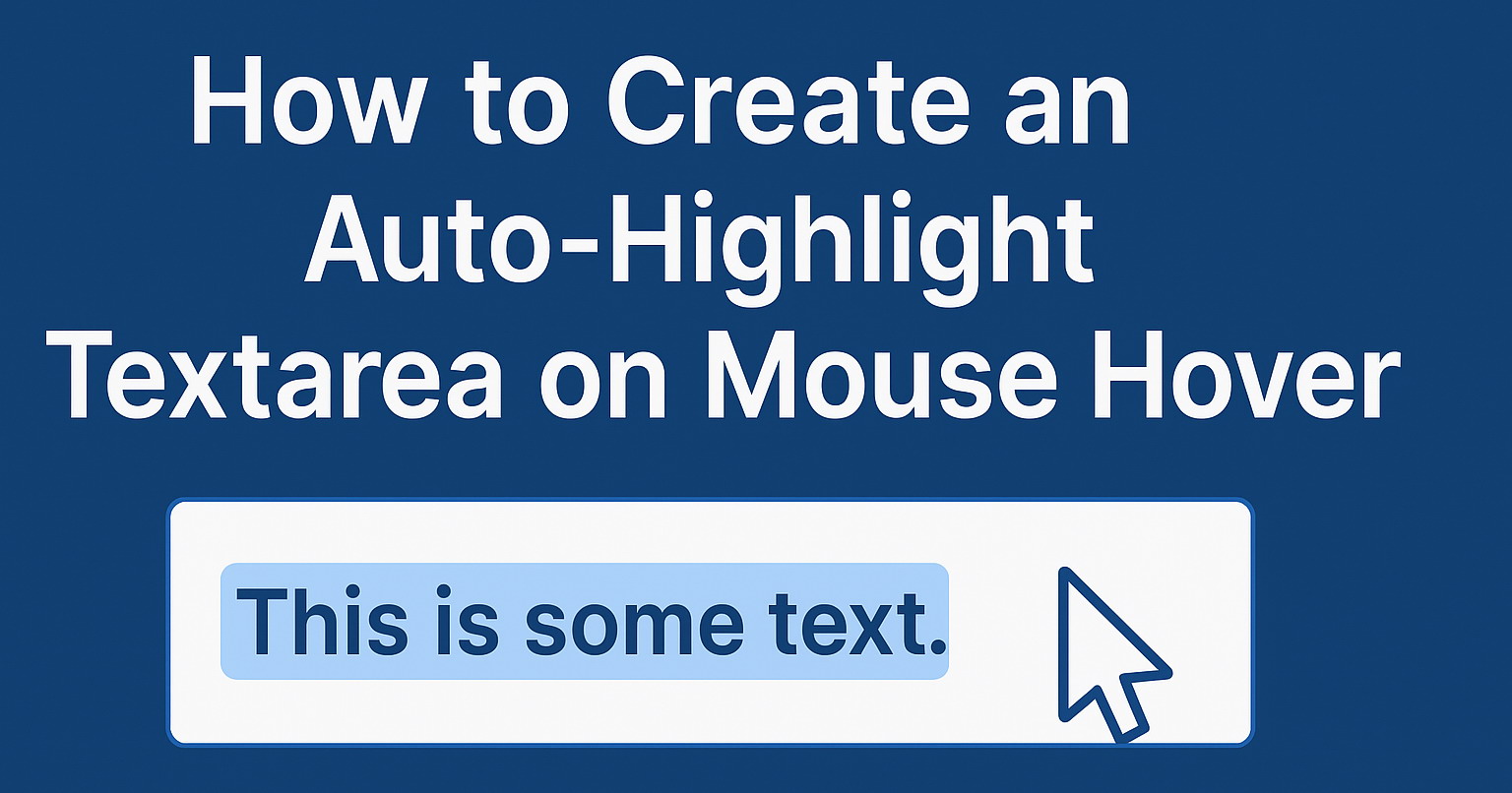
If you want to add a textarea to your Blogger blog that automatically highlights its content when hovered over with the mouse, this simple tutorial will show you how to do it. This is useful for displaying copyable code, affiliate links, or tips that visitors can easily select and copy.
1. Login to your Blogger account and go to the "Layout" page of your blog.
2. Click the "Add a Gadget" link in the section where you want to add it.
3. Select "HTML/JavaScript", paste the code provided below, and click "Save".
<textarea rows="5" cols="50" onfocus="this.select()" onmouseover="this.focus()" onclick="this.focus();this.select()">

Enter Your Content Here

</textarea>
Note: Remember to replace "Enter Your Content Here" with your actual content.
Example:
<textarea rows="5" cols="50" onfocus="this.select()" onmouseover="this.focus()" onclick="this.focus();this.select()">

Tips for Bloggers for easy blogging and Making Money.blogger,blogspot tips and tricks.A dummies guide, templates,designs,widgets, JavaScript,HTML codes,SEO,Google AdSense,gadgets,how to monetize Blogger or blogspot blogs.

</textarea>
Look at the result below:
Note:
- If you don't want to add it as a gadget and just need it inside a post, open the post editor, switch to the "HTML view," and paste the code right where you want it to appear.
- The above code works not only on Blogger but also on any other website.

thank bro
Thanks.
Thanks, good post