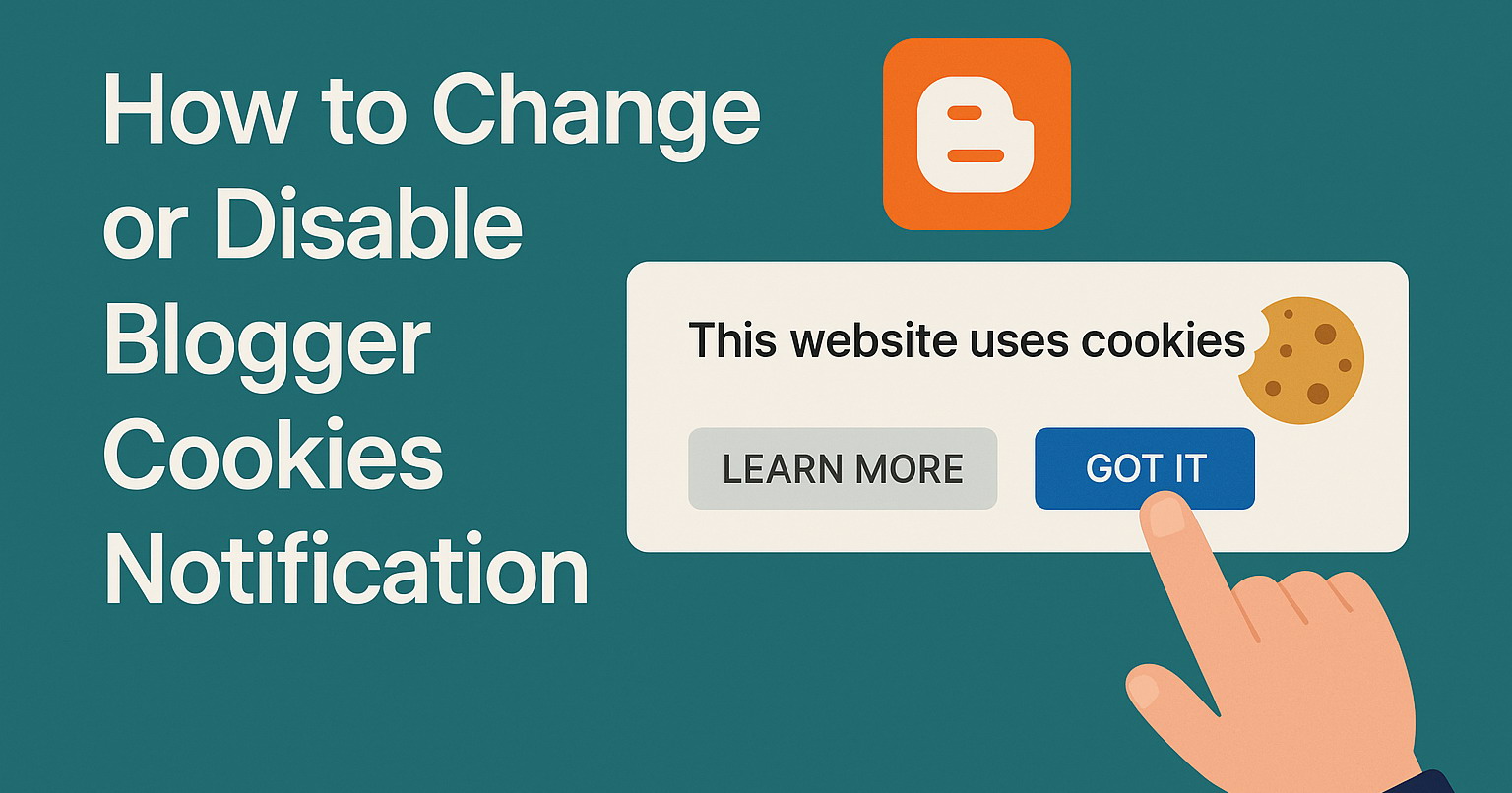
Blogger automatically displays a cookies consent banner for European Union (EU) visitors to comply with GDPR regulations. This banner appears at the top of your blog and informs users that your site uses cookies, especially for Google services and personalized ads.

If you're located outside the EU and want to preview the cookies notification, you can no longer use region-specific domains like .co.uk as they now redirect to .com.
Instead, use a VPN, browser extension, or an online tool like "GeoPeeker" to simulate a visit from an EU country. This allows you to see how the cookie banner appears to EU-based visitors, regardless of whether your blog uses a *.blogspot.com address or a custom domain.
The cookie banner in Blogger is automatically managed by Google and is designed to inform visitors about the use of cookies on your site. It highlights how Google uses cookies for services such as personalized advertising and traffic analysis, while also fulfilling the legal requirement to obtain user consent under GDPR regulations.
However, the default message may not align with your blog's tone or design, and some users choose to customize or disable it entirely. This should be done with caution, as it may lead to compliance risks.
How to Change the Blogger Cookies Notification Message
You can customize the cookie banner text and buttons. Go to the theme's "Edit HTML" page and add this code just before the </head> tag:
<script type="text/javascript">
    cookieOptions = {
        msg: "This site uses cookies from Google to deliver its services, to personalize ads and to analyze traffic. Information about your use of this site is shared with Google. By using this site, you agree to its use of cookies.",
        link: "https://policies.google.com/technologies/cookies",
        close: "Got it",
        learn: "Learn More"
    };
</script>
Note: You need to change the msg text to better fit your blog's language or tone.
How to Disable the Blogger Cookies Notification
Important: Use this only if you fully understand your region's legal responsibilities. Disabling the banner may lead to non-compliance with privacy laws like GDPR.
To completely disable the banner, add the following code just before the closing </head> tag in your theme's Edit HTML page:
<script type="text/javascript">
    cookieOptions = {};
</script>
Note: For most users, customizing the banner (rather than removing it) is the safest and most compliant choice.
For more information: https://support.google.com/blogger/answer/6253244
Thanks so much for the tutorial. Just what I need for my blog. Keep up the good work.
Thanks, I am in India and message showing in french. Now I can change it.