
Do you want to display a maintenance page on your WordPress site to let visitors know it's temporarily down? While there are plenty of plugins available for this, you can achieve the same result without installing anything. With our simple code snippet, you can show a maintenance message to regular visitors while still allowing admins full access to both the front-end and back-end. Just add the following code to your theme's functions.php file:
function btt_maintenance_mode() {
    if (!current_user_can('edit_themes') || !is_user_logged_in()) {
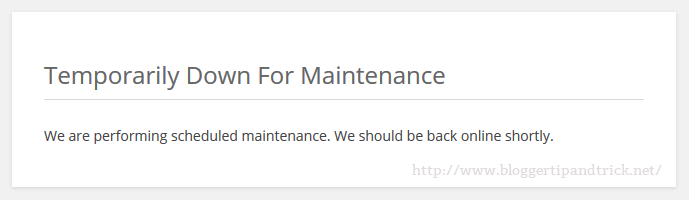
        wp_die('<h1>Temporarily Down For Maintenance</h1><p>We are performing scheduled maintenance. We should be back online shortly.</p>', 'Maintenance', ['response' => 503]);
    }
}
add_action('get_header', 'btt_maintenance_mode');
Now, when a visitor (who isn't an administrator) tries to access the website, they'll see the following message:
Note: Once you've completed your maintenance tasks, simply remove the above code from the functions.php file to make your website accessible to visitors again.