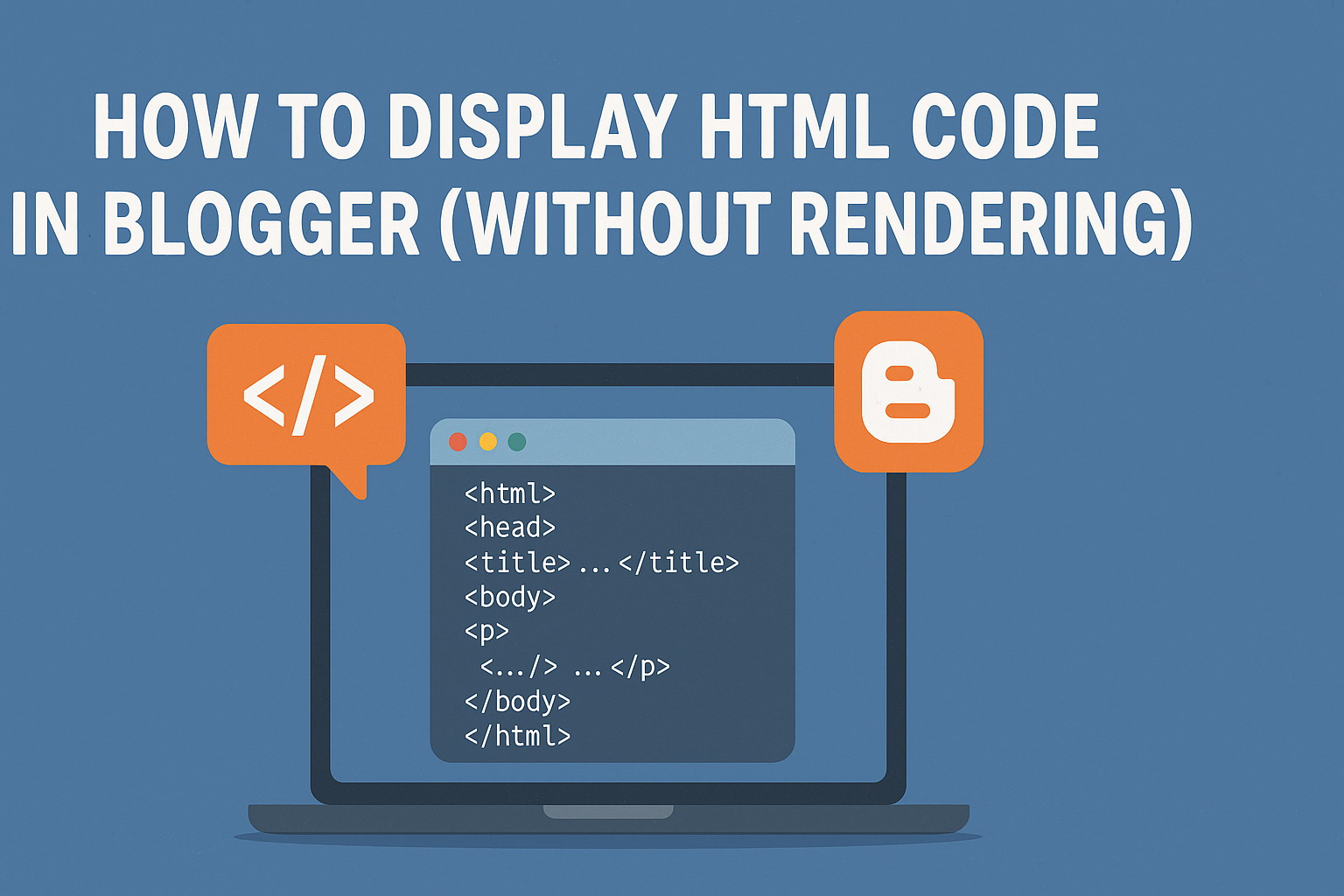
Many visitors ask how to display raw HTML code in their posts so it appears as plain text and can be easily copied by readers. Here's a simple solution to achieve that.
The Problem is when you paste HTML directly into your post editor (whether in "HTML" or "Compose" mode), the browser interprets it as markup rather than displaying the code itself. For example:
<b>This text would render as bold instead of showing the tags.</b>So, to display HTML as plain text, you must escape the special characters. Specifically:
- Replace
<with< - Replace
>with> - Replace
&with& - Replace
"with" - Replace
'with'
Manually converting these symbols can be tedious, so we recommend using our free HTML encoder tool.
Follow these steps to get the converted HTML code:
- Paste your HTML into the tool
- Click "Encode" to convert the symbols
- Copy the output and paste it into your blog post
Now your HTML will appear as readable code, and visitors can easily copy it!
📝 Note:
The converted HTML-safe text isn’t limited to Blogger alone. You can use it on any platform where you want your raw code to appear as plain, copyable text—whether it's WordPress, Medium, forums, online tutorials, or even in emails and documentation.
Mas, artikelnya sangat membantu banget. thanks yah